

 Español
Call us
+86-19818583496
+86-0577-68586867

Our team is proud to offer on time guarantee and product guarantee to customer satisfaction.
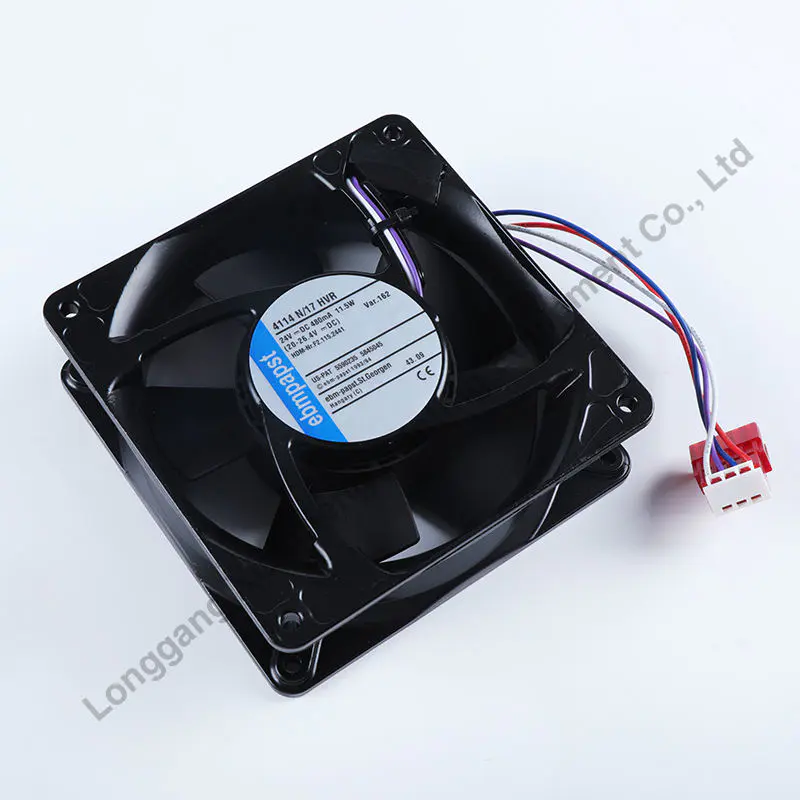
Read MoreA 3D printer hot end fan sits on the print head of an FDM machine. Its job is simple: blow air onto the heat sink above the heating block. This keeps heat from traveling upward. When a 3D printer hot end fan works as intended, the filament stays solid until it reaches the nozzle. When it fails, heat creeps up. The filament softens too early. A clog follows shortly after.
Many users do not think about the 3D printer hot end fan until something goes wrong. Unlike the part cooling fan, which turns on and off, a 3D printer hot end fan runs continuously as long as the printer has power. This constant operation puts thousands of hours on the fan within a few months of regular use.
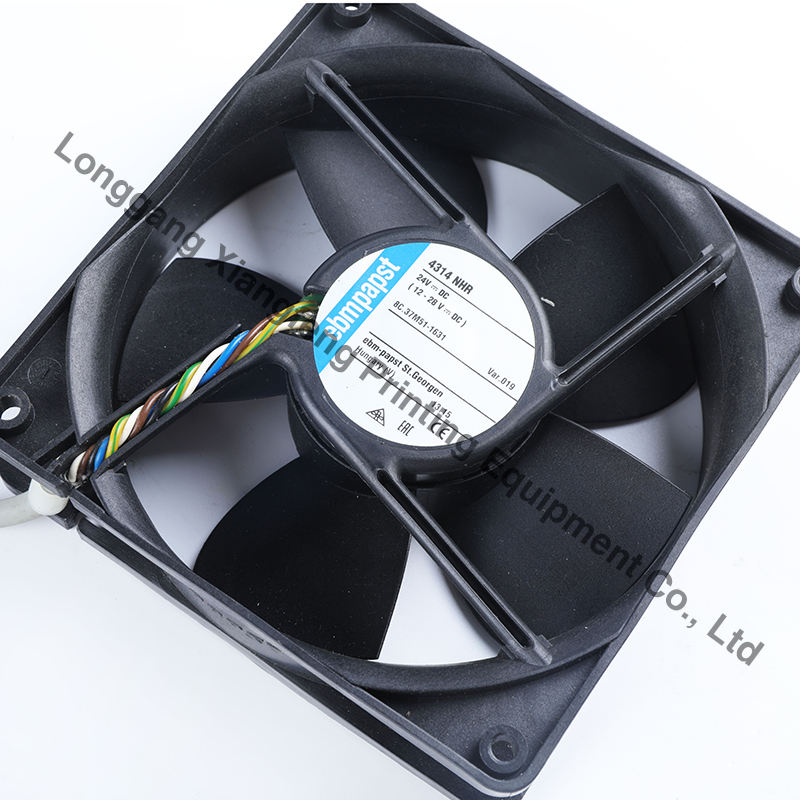
The main reason a 3D printer hot end fan fails is bearing wear. Most stock fans use sleeve bearings. These contain an oil-soaked bronze bushing. The oil dries out faster when the 3D printer hot end fan sits near a 200°C to 300°C nozzle. Once the oil is gone, the metal parts grind against each other.
Here is a quick comparison of bearing types in a 3D printer hot end fan:
|
Bearing type |
Lifespan (hours) |
Noise over time |
Failure mode |
|
Sleeve bearing |
2,000 - 4,000 |
Increases slowly |
Seizing or slow rotation |
|
Dual ball bearing |
40,000 - 60,000 |
Stays stable |
Gradual speed loss |
A 3D printer hot end fan with worn sleeve bearings often starts making rattling or grinding sounds. The speed drops. Less air moves through the heat sink. Heat creep begins. The extruder starts skipping steps. The print fails.
Bearing wear is not the only problem. A 3D printer hot end fan can fail for several other reasons:
Electrical failure. The wire connecting the fan to the mainboard can break from repeated bending. The print head moves back and forth thousands of times. Each movement stresses the wire. Eventually, the wire snaps inside the insulation. The 3D printer hot end fan gets no power and stays still.
Dust and fiber buildup. Tiny strands of filament and airborne dust can get inside the fan. They wrap around the shaft or jam the blades. A 3D printer hot end fan that cannot spin freely draws more current. In some cases, the driver on the mainboard shuts down to protect itself.
Wrong voltage replacement. A user installs a 12V 3D printer hot end fan into a 24V printer. The fan burns out immediately. Or they install a 24V fan into a 12V printer. The 3D printer hot end fan spins too slowly and provides almost no cooling.
Spotting a failing 3D printer hot end fan early saves a lot of failed prints. Listen first. A healthy 3D printer hot end fan makes a smooth whirring sound. A failing one rattles, clicks, or hums unevenly. Feel the airflow second. Hold your hand near the heat sink while the printer is idle. The airflow from a healthy 3D printer hot end fan should feel strong and steady. Weak or pulsing airflow means trouble.
Watch the print quality third. If prints start failing with the same pattern — extrusion stops after 30 to 60 minutes — suspect heat creep. That points directly to an underperforming 3D printer hot end fan.
There is no way to make a sleeve bearing fan last forever. But a few habits help. Keep the print head clean. Dust accelerates bearing wear. Also, avoid printing in an enclosure without adequate ambient cooling. A 40°C chamber temperature is fine for a 3D printer hot end fan. At 60°C or higher, even a dual ball bearing fan struggles.
When replacement time comes, choose a 3D printer hot end fan with dual ball bearings. Pay attention to three numbers: voltage (12V or 24V), size (40x40x10 mm or 40x40x20 mm), and connector type (JST XH or bare wires). Match all three and the new 3D printer hot end fan will likely outlast the printer itself.

+86-19818583496
+86-0577-68586867


No.777 Haixi rode, Longgang City, Wenzhou City, Zhejiang, China
On weekdays, we will reply to you or call us within 12 hours of receiving the inquiry.
Copyright © Xiangfeng Printing Equipment Co., Ltd. All Rights Reserved.

Printing Machine Accessries Factory
Contact Us