

 Español
Call us
+86-19818583496
+86-0577-68586867

Our team is proud to offer on time guarantee and product guarantee to customer satisfaction.
Read MoreIn printing equipment, the printing machine gear is responsible for transmitting power and maintaining synchronization across multiple systems. When a printing machine gear begins to produce noise or vibration, it often raises immediate concern. However, not every issue means the printing machine gear can be replaced. Understanding how a printing machine gear works and what affects its performance helps reduce unnecessary downtime and cost.
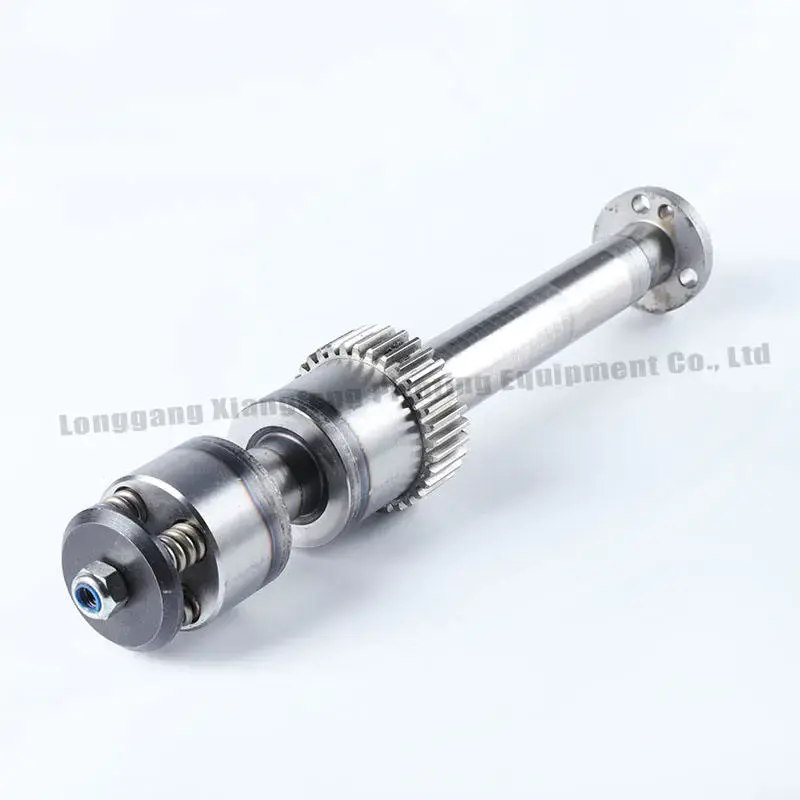
A printing machine gear connects the motor to key moving parts such as cylinders, feeders, and delivery systems. Through continuous rotation, each printing machine gear helps maintain that the motion remains consistent and precisely timed.
There are several types of printing machine gear components used in different positions. Transmission gears carry the main load and transfer power. Indexing gears control rotational positioning for accurate registration. Adjustment gears allow fine-tuning of speed and tension. Each printing machine gear serves a different purpose, but all are critical to maintaining printing accuracy.
Because the system relies on multiple printing machine gear units working together, even a small issue in one gear can influence the overall machine performance.
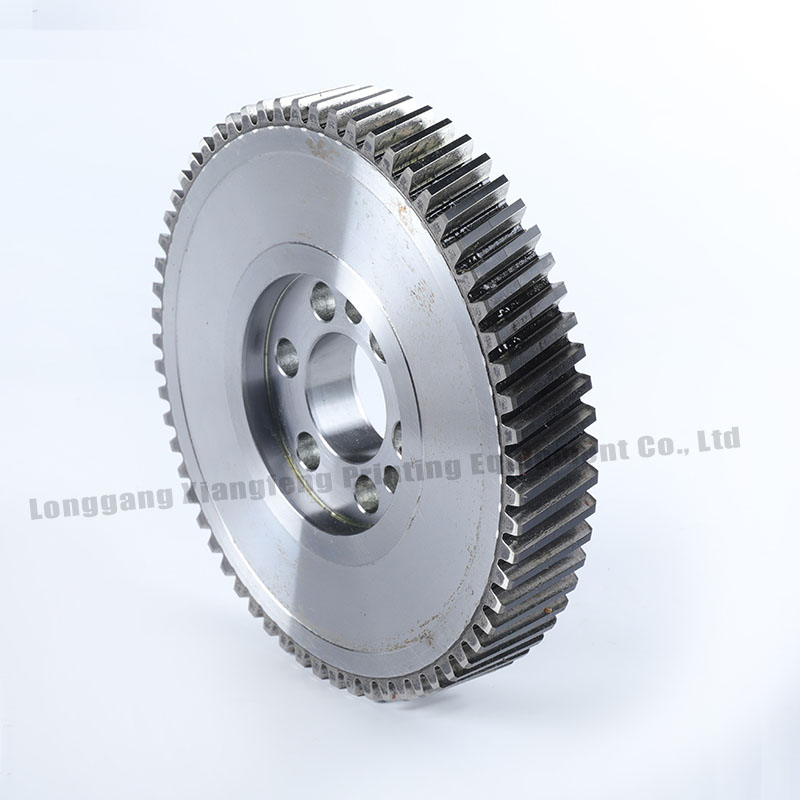
When a printing machine gear produces abnormal noise, replacement is often the sooner thought. In practice, the cause is usually more complex.
Backlash is one common factor. If the clearance between two printing machine gear teeth becomes too large, impact occurs during engagement, creating a knocking sound. If the clearance is too tight, friction increases, leading to heat and high-pitched noise. Adjusting the backlash of the printing machine gear can often resolve the issue without replacement.
Lubrication is another key factor. Insufficient or degraded lubricant causes direct contact between gear surfaces. This accelerates wear and increases noise levels in the printing machine gear system.
Only after checking backlash and lubrication should physical damage be considered. Surface pitting, scoring, or broken teeth are signs that a printing machine gear may need replacement.
Not all wear on a printing machine gear requires immediate replacement. Gradual and uniform wear can often be managed through adjustment.
If the tooth thickness of a printing machine gear decreases beyond a certain level, transmission accuracy may be affected. Similarly, if surface damage spreads across a large portion of the gear, long-term reliability becomes uncertain.
Uneven wear is more concerning. When only specific teeth of a printing machine gear show damage, it may indicate issues with alignment, shaft condition, or bearing support. In such cases, simply replacing the printing machine gear will not address the root cause.
Axial movement is another factor. If a printing machine gear shifts along the shaft, it can disrupt proper meshing and bring about irregular operation.
Why New Gear May Not Solve the Issue
There are situations where installing a new printing machine gear does not restore printing accuracy. This usually means the problem lies beyond the gear itself.
A printing machine gear operates within a larger transmission system. Worn bearings, misaligned shafts, or loose housings can all affect performance. If these components are not addressed, the new printing machine gear may still operate under unfavorable conditions.
Another common issue is replacing only one gear in a meshing pair. Since both gears wear together, installing a new printing machine gear alongside a worn counterpart can bring about poor contact and increased noise.
For reliable results, the entire transmission chain connected to the printing machine gear should be inspected and adjusted as needed.
Proper maintenance extends the life of every printing machine gear. Regular lubrication is essential. Clean oil reduces friction and protects the surface of each printing machine gear from wear.
Monitoring oil level and condition also helps prevent overheating and contamination. Dirt and metal particles in the lubricant can accelerate damage to the printing machine gear.
Listening to the machine operation is a simple but effective method. Changes in sound often indicate early issues within the printing machine gear system. Periodic backlash measurement also helps track wear over time.
Ensuring proper installation and alignment during maintenance further improves the reliability of each printing machine gear.
A printing machine gear does not always need replacement when issues arise. Minor surface damage can sometimes be treated through polishing and continued monitoring. Uniform wear can often be compensated for by adjusting gear position.
Replacement becomes necessary when the printing machine gear shows severe tooth damage, deformation, or structural failure. Continuing operation under such conditions may damage connected components.
Accurate evaluation is essential. A printing machine gear is often blamed too quickly for noise or instability. After checking backlash, lubrication, and surrounding components, many issues can be resolved without replacing the printing machine gear, allowing the system to operate reliably for a longer period.

+86-19818583496
+86-0577-68586867


No.777 Haixi rode, Longgang City, Wenzhou City, Zhejiang, China
On weekdays, we will reply to you or call us within 12 hours of receiving the inquiry.
Copyright © Xiangfeng Printing Equipment Co., Ltd. All Rights Reserved.

Printing Machine Accessries Factory
Contact Us